Skip to content

Interactive streams for TikTok & Kick LIVE

Every gift changes the game

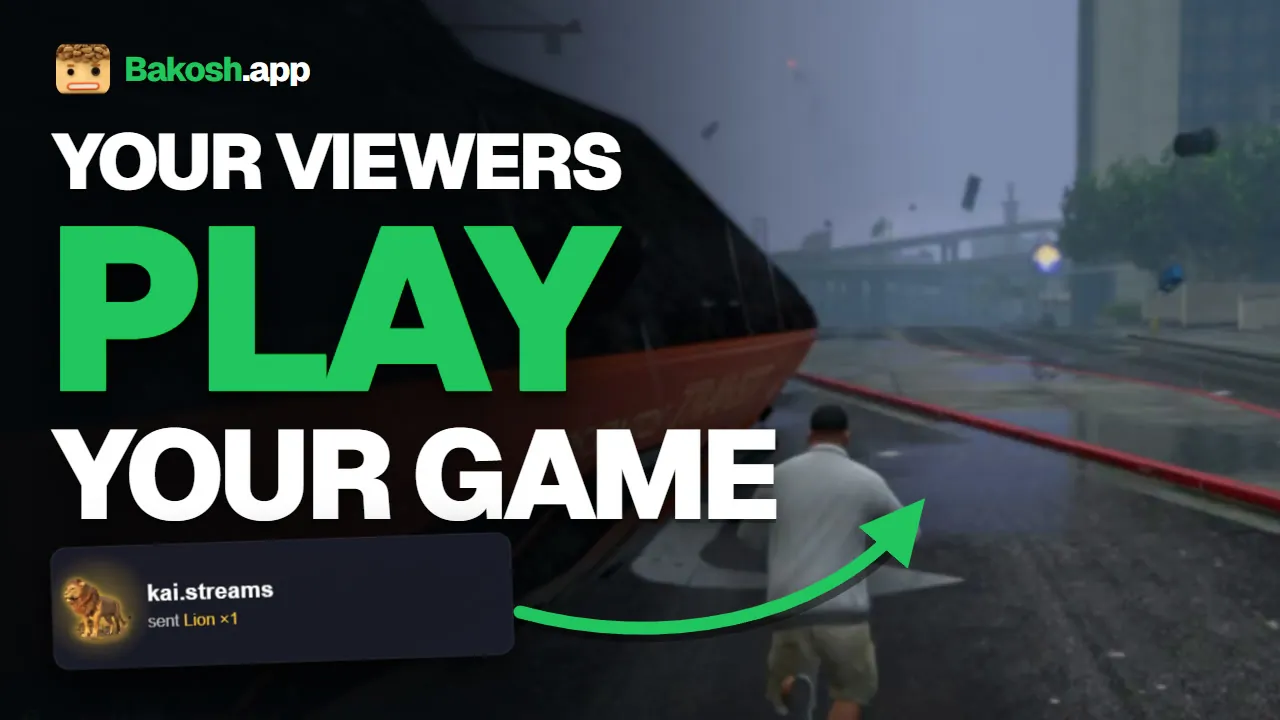
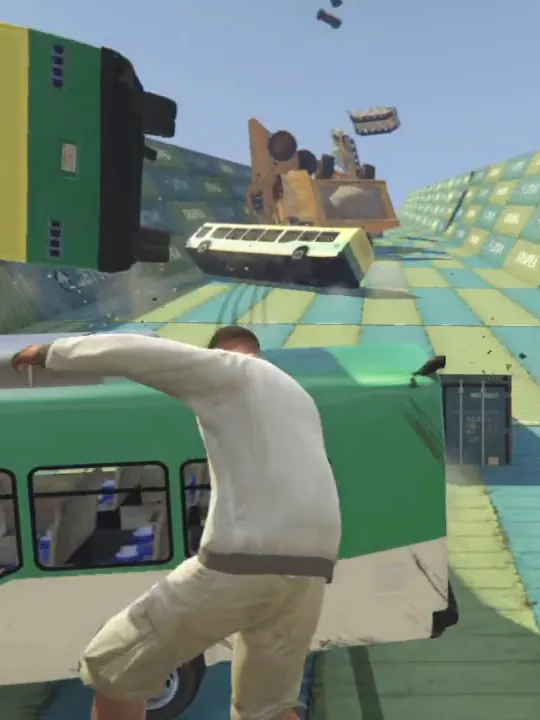
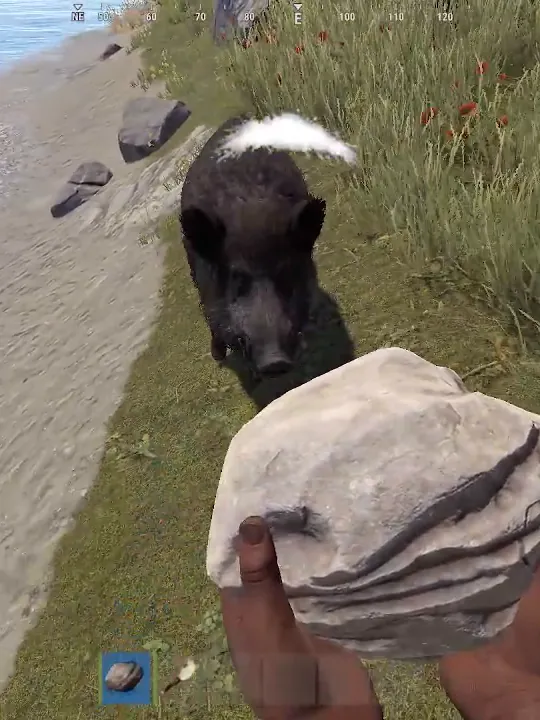
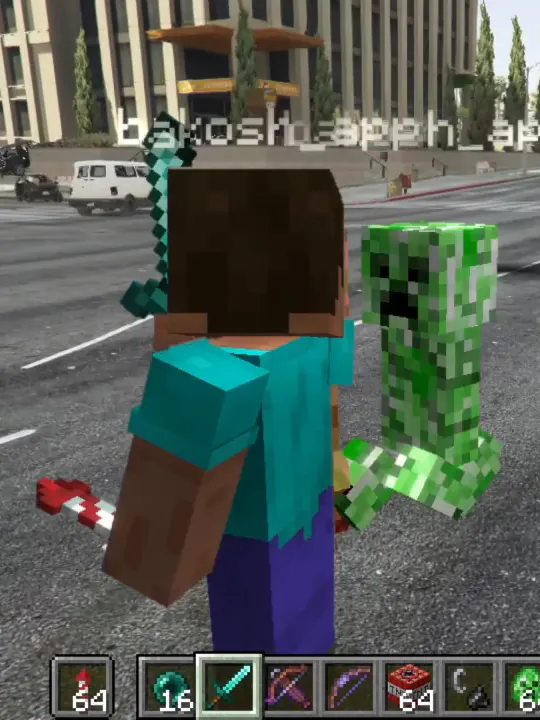
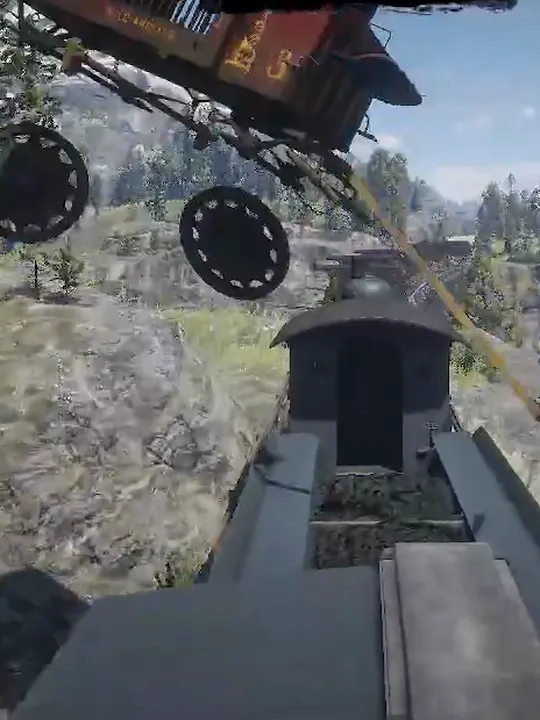
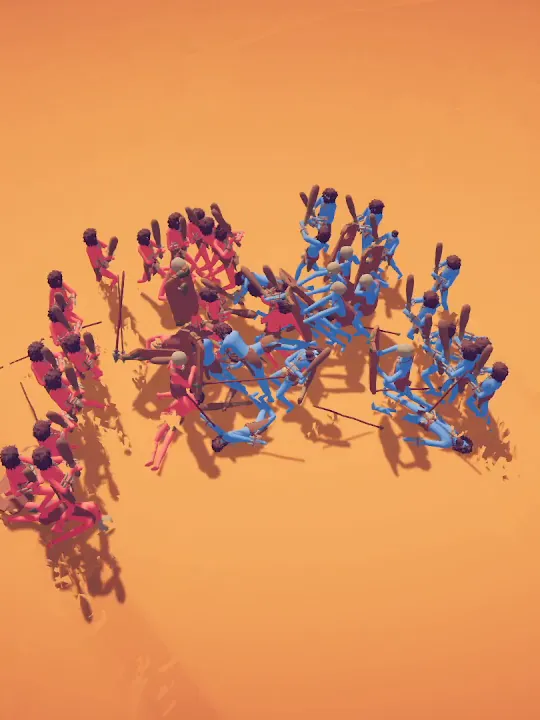
Gifts, likes, follows and chat trigger real actions in GTA V, RDR2, Rust, Minecraft & more — plus overlays, a 3D avatar and TTS for OBS and TikTok LIVE Studio. All in one free app.

  • Free plan, no card
  • Windows 10 & 11
  • TikTok + Kick at once

Mods

Play GTA V, RDR2, Rust, Minecraft & more

How it works

Live in three steps

  1. Download and sign in

    Install BakoshApp on the Windows PC you stream from and sign in with Google. The free plan needs no card.

  2. Link gifts to actions

    Pick a game and an action, then the gift, like, follow or chat word that fires it. A quick-start preset is ready on day one.

  3. Go live

    Start your TikTok or Kick LIVE. From now on every gift plays your game — and shows up in your overlay.

Features

Everything for interactive streams

Game actions, overlays, a 3D avatar and a voice for your chat — one app for TikTok and Kick.

Gift triggers

Every gift fires a real in-game action

Link any gift, like, follow, share or chat command to chaos in GTA V, RDR2, Rust, Minecraft and more. Thousands of actions, ready to go.

  • Gifts, likes, follows, shares and chat — all triggers
  • Thousands of in-game actions across every mod
  • One gift can fire a random action — or all of them at once
  • Test any action with a global hotkey, right in the game
How triggers work

TikTok + Kick

TikTok and Kick. At the same time.

Connect both platforms and every event lands in the same game. Start free through TikFinity, or go native with PRO.

  • TikTok via TikFinity on the free plan
  • Native Connector — no TikFinity neededPRO
  • Your Kick channel next to TikTokPRO
  • Limit an action to followers, subscribers or one viewerPRO
TikTok vs Kick in BakoshApp

OBS overlays

One link. A live overlay in OBS.

Paste your overlay link into OBS or TikTok LIVE Studio as a browser source. Alerts, goals, leaderboards and more appear on stream the moment they happen.

  • One hosted link, landscape and portrait
  • Drag-and-drop editor with a style picker for every widget
  • Alerts, goals, counters and leaderboardsPRO
  • ▶ Demo plays a sample on the canvas and in OBS
Set up your overlay

Action Board

Show viewers what every gift does

A live gift menu on your stream. Tiles light up the moment an action fires, so viewers know exactly what to send next.

  • Tiles flash on every trigger
  • Ticker or paged layout
  • Tile designer: pictures, labels, badges
  • Included in the free plan
Meet the Action Board

Bakosh Avatar

Your 3D avatar. Reacts to every gift.

No camera needed: a 3D avatar dances, waves and wears gift props live on stream. Add face tracking and lip-sync whenever you want.

  • Ready-made avatars and 3D scenes
  • Animations, props and speech bubbles on gifts
  • Webcam face tracking and lip-sync
  • Your own VRM model and a virtual cameraPRO
Meet Bakosh Avatar

TTS Chat

PRO

Let your chat speak out loud

Viewer messages are read aloud with natural voices — on TikTok and Kick. The audio plays inside the app, so OBS picks it up with the rest of your sound.

  • Hundreds of natural voices
  • A fixed voice for every viewer
  • Banned words, filters and message templates
Set up TTS Chat

Presets

Switch your whole setup in one click

Save several setups per game — actions and overlay together — and swap between them live. Found a great one? Send it to a friend.

  • Actions and overlay saved together
  • A quick-start preset for every new game
  • Share a preset with any Bakosh account
How presets work

Pricing

Start free. Upgrade when you grow.

The free plan is enough to go live today. PRO and MAX unlock the full toolkit.

Free

Everything you need to go live.

$0/ month

Download free
  • Every regular mod with starter actions
  • TikTok through TikFinity
  • Overlay editor and free widgets
  • Action Board and 3D avatar
  • Presets, hotkeys and custom integrations
Most popular

PRO

The full toolkit for growing streams.

$10/ month

  • The full action catalog in every mod
  • Native Connector and Kick
  • TTS Chat
  • Alerts, goals and leaderboards
  • Viewer stats and audience filters
  • Your own sounds, VRM models and virtual camera
  • More presets and integrations

MAX

Streams that run on their own.

$20/ month

  • Everything in PRO
  • Automatic mods: GTA V and RDR2 Train Auto and KOTH Auto

Prices in USD. Cancel anytime from your account.

FAQ

Questions, answered

Can't find yours? Ask in our Discord — the team and the community reply fast.

Ask on Discord
What is BakoshApp?

A free Windows app that connects your TikTok or Kick LIVE to your game. Gifts, likes, follows and chat messages from viewers trigger actions in GTA V, RDR2, Rust, Minecraft, TABS and more — and show up in your stream overlay.

Is BakoshApp free?

Yes. The free plan includes every regular mod with a starter set of actions, the overlay editor, the Action Board and the 3D avatar. PRO unlocks the full action catalog, Kick, TTS Chat and more; MAX adds the automatic mods.

Which games are supported?

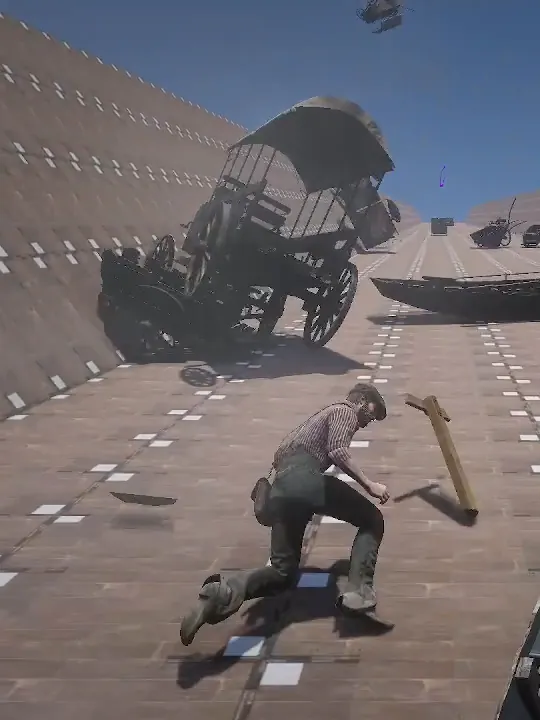
GTA V, Red Dead Redemption 2, Rust, Minecraft and TABS, each with its own modes — Chaos, King of the Hill, Train and more. With custom integrations you can drive any other game or app through keystrokes, webhooks or OBS.

Does it work with TikTok LIVE Studio and OBS?

Yes. Your overlay is one link you add as a browser source in OBS or TikTok LIVE Studio, in landscape or portrait.

Do I need TikFinity?

On the free plan BakoshApp reads your LIVE through TikFinity. With PRO you can switch to the built-in Native Connector and skip TikFinity entirely.

Can I stream on Kick?

Yes, with PRO. Connect your Kick channel next to TikTok and both feed the same game at the same time.

Does it work on Mac?

Not yet. BakoshApp runs on Windows 10 and 11 (64-bit) — on the same PC that runs your game.

Why does Windows show a SmartScreen warning?

The installer is not code-signed yet, so Windows may warn about an unrecognized app. Click More info, then Run anyway — the app installs normally after that.

How do I get PRO?

Subscribe from your account — by card, PayPal, Apple Pay or Google Pay. You can cancel anytime, and your plan stays active until the end of the paid period.