Skip to content

GTA 5 King of the Hill × TikTok LIVE, Kick & Twitch

GTA 5 King of the Hill mod: your viewers drop cars, you climb

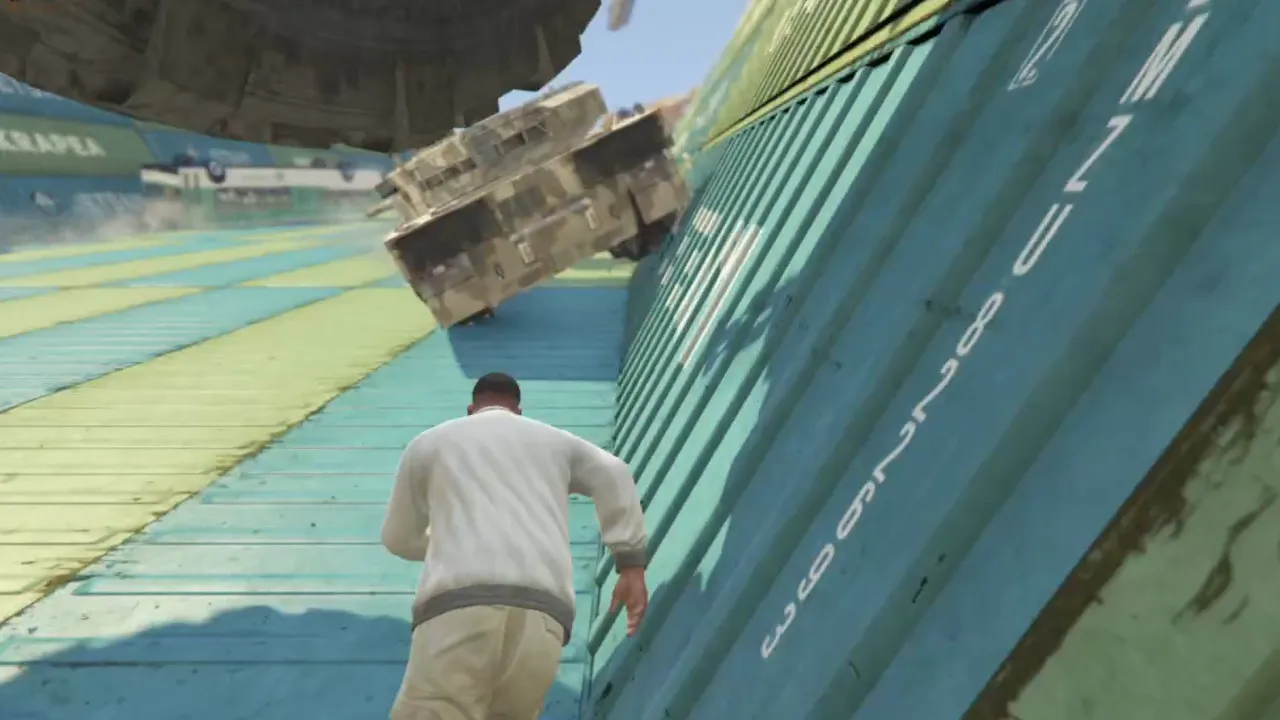
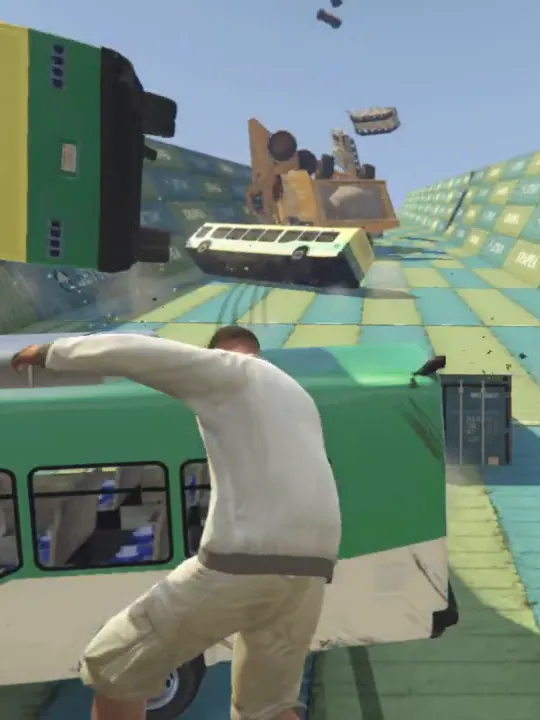
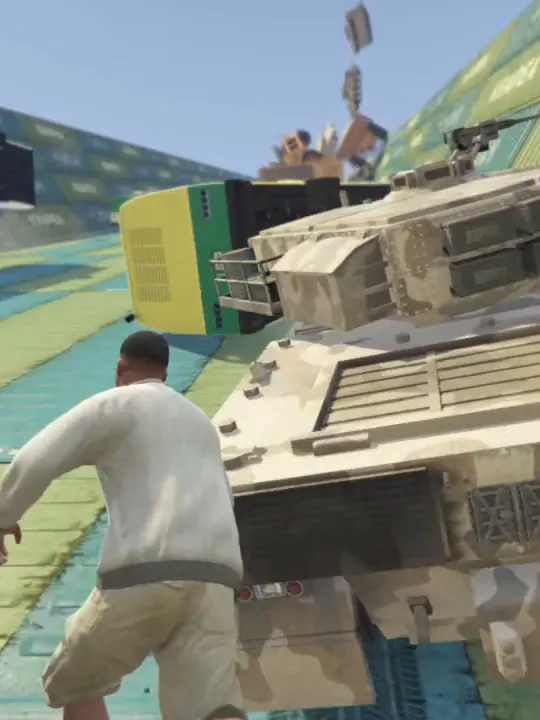
BakoshApp turns your TikTok LIVE, Kick or Twitch stream into a game of King of the Hill in GTA 5. You climb a giant ramp high above Los Santos, and every gift, like or chat message drops a car or a prop in your way, with the viewer’s name above it. Hold the top until the countdown runs out to win the round.

  • Free plan, no card
  • GTA 5 Legacy & Enhanced
  • TikTok + Kick + Twitch at once

Viewer actions

Every gift lands on your ramp

You choose what fires each action: a gift, a like, a follow, a share, a chat word or a coin range.

  • Cars, trucks and props fall ahead of you — the higher you climb, the closer they land, and at the top they fall straight on you
  • The viewer’s name floats above everything they drop
  • Chaos effects, ragdoll, drunk effect, night, super jump, an angry pedestrian or a teleport back to the start

The free plan includes a handful of vehicles and props of your choice and a starter set of effects; PRO unlocks the full catalog.

How triggers work
The rules

How a round of King of the Hill works

  1. Start at the foot

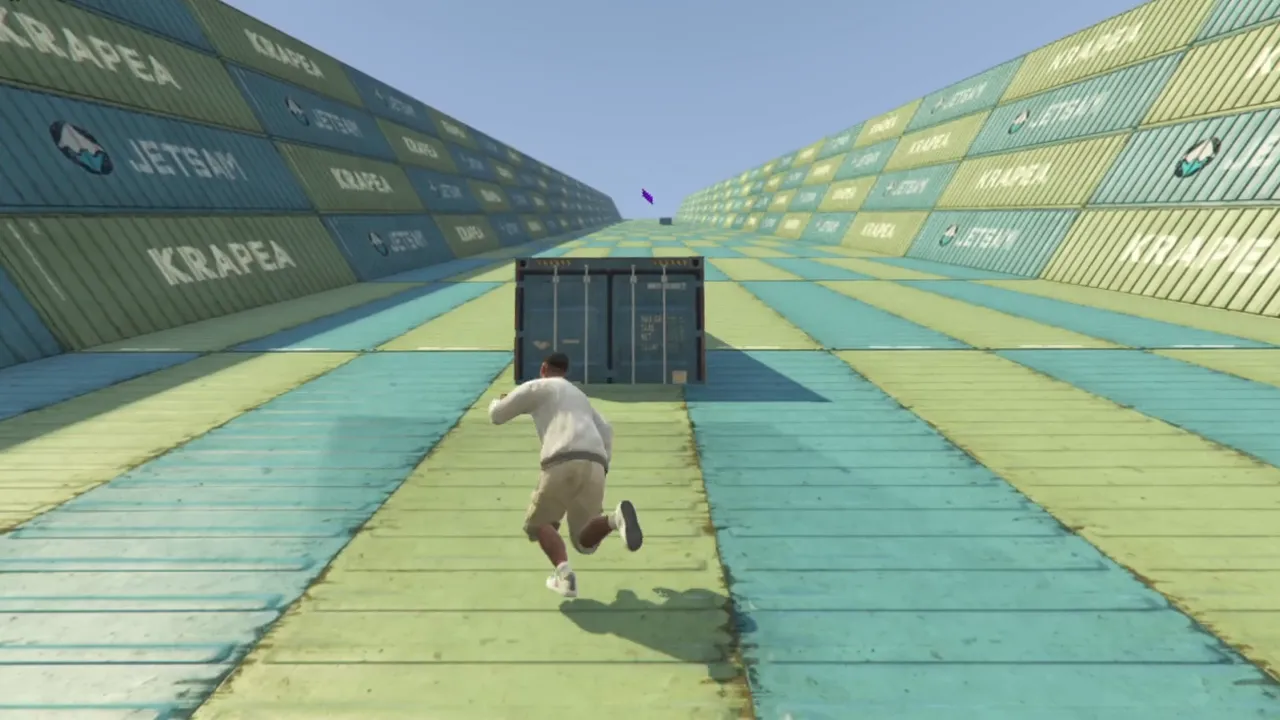
    After a 3-2-1 countdown you land at the bottom of the ramp. Moving containers slide across it on the way up.

  2. Get past the drops

    Viewers’ vehicles and props fall ahead of you, and the cars can’t be destroyed: climb over them or find a way around.

  3. Hold the top

    Stand in the purple zone at the top and the countdown starts. Step out and it starts over.

  4. Win and go again

    At zero you get +1 win and go back to the start. God Mode is on by default, and a death doesn’t cost a win.

Ramp Select

Choose the ramp your viewers will attack

Ramps come in three designs — container walls, chain-link fence and fine chain-link fence — each in many container colors. A set of ramps is free; PRO and MAX open them all. Your choice is saved to your account.

Read the GTA V KOTH guide
The GTA V KOTH container ramp: a container slides across it, the purple finish zone is at the top

Setup

Set up in four steps

  1. Download and sign in

    Install BakoshApp on the Windows PC you stream from and sign in with Google.

  2. Install the KOTH mod

    Pick GTA V KOTH in the app and press Install: BakoshApp puts the mod into your GTA 5 folder.

  3. Connect TikTok, Kick or Twitch

    Connect directly from the Platforms menu: one platform at a time on the free plan, all of them at once with PRO. TikFinity works too.

  4. Add the overlay and go live

    Paste the overlay link into TikTok LIVE Studio or OBS, start GTA 5 in story mode, switch GTA V KOTH on and go live.

Overlay

Show the score and what each gift drops

One link for TikTok LIVE Studio or OBS: a win counter that follows the game, an action board with your gifts and what they drop, alerts and leaderboards.

Set up your overlay

Pricing

Start free. Upgrade when you grow.

The free plan is enough to go live today. PRO and MAX unlock the full toolkit.

Free

Everything you need to go live.

$0/ month

Download free
  • Every regular mod with starter actions
  • TikTok, Kick and Twitch, one at a time
  • 8 rows with a trigger per game
  • TTS Chat: one voice on your PC
  • Overlay editor, alerts and game widgets
  • Action Board and 3D avatar
  • Presets, hotkeys and custom integrations
Most popular

PRO

The full toolkit for growing streams.

$10/ month

  • The full action catalog in every mod
  • All platforms at once
  • TTS Chat with cloud voices
  • Goals, leaderboards, Subathon and more widgets
  • Your own sounds, videos, VRM models and virtual camera
  • Viewer avatars in the game
  • More rows, presets and integrations

MAX

Streams that run on their own.

$20/ month

  • Everything in PRO
  • Automatic mods: GTA V and RDR2 Train Auto and KOTH Auto

Prices in USD. Cancel anytime from your account. You can still connect TikFinity on any plan.

FAQ

GTA 5 King of the Hill: questions

Can't find yours? Ask in our Discord — the team and the community reply fast.

Ask on Discord
Is the GTA 5 King of the Hill mod free?

Yes. GTA V KOTH works on the free plan with a handful of vehicles and props of your choice, a starter set of effects, a set of free ramps, 8 rows with a trigger and a direct connection to TikTok, Kick or Twitch. PRO ($10/month) unlocks every vehicle, prop, effect and ramp and all platforms at once; MAX ($20/month) adds KOTH Auto, where a bot climbs for you.

Do I need a separate KOTH plugin or TikFinity?

No. BakoshApp installs the KOTH mod into GTA 5 for you and connects to TikTok LIVE, Kick and Twitch directly. TikFinity still works if you already use it.

Does it work in GTA Online or on FiveM?

No. The mod runs in GTA 5 story mode on your PC; GTA Online and FiveM servers don’t load script mods like this one.

Which versions of GTA 5 are supported?

Both GTA 5 Legacy and GTA 5 Enhanced.

What happens if I die?

God Mode is on by default. If you die anyway, the countdown starts over but you keep your wins, and the H key takes you back to the start of the ramp.

Can a bot play King of the Hill for me?

Yes, with MAX. GTA V KOTH Auto climbs, dodges and holds the top on its own; press J to take over and again to hand back.

Is there King of the Hill for Red Dead Redemption 2?

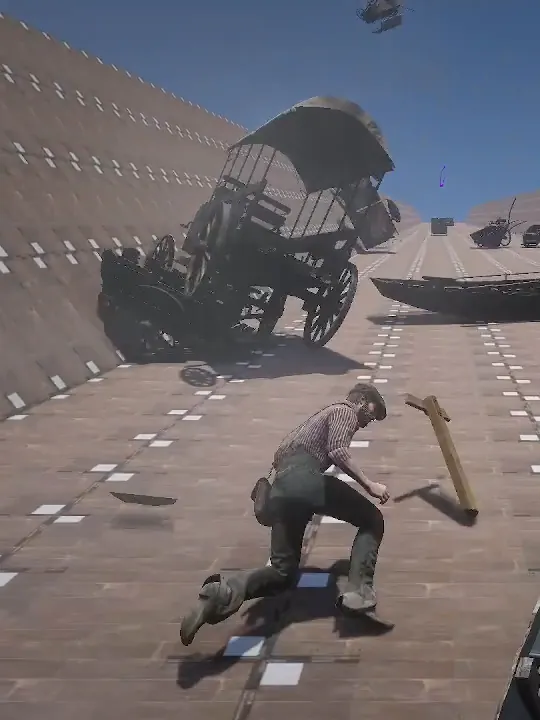
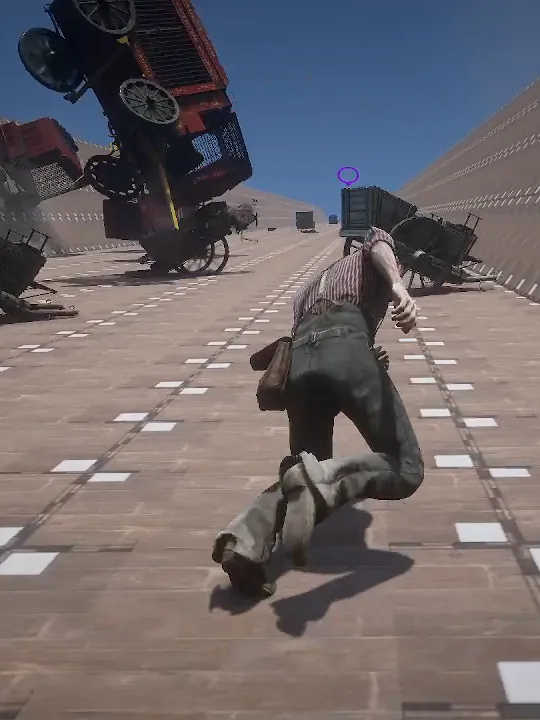
Yes. In RDR2 KOTH you climb a wooden chute hanging in the air while viewers drop wagons on you; RDR2 KOTH Auto (MAX) plays it for you.

Does it work with TikTok LIVE Studio?

Yes. Add the overlay link as a source in TikTok LIVE Studio or OBS.

Is there a Mac or mobile version?

No. BakoshApp runs on Windows 10 and 11 (64-bit), on the PC you play and stream from.

Start your GTA 5 King of the Hill stream

Download BakoshApp free and go live in minutes.

Download free for Windows